 Brightspace Matrix
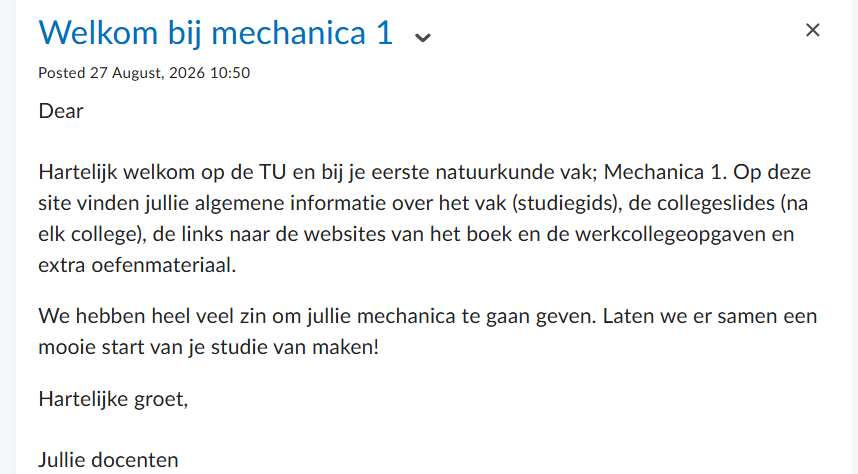
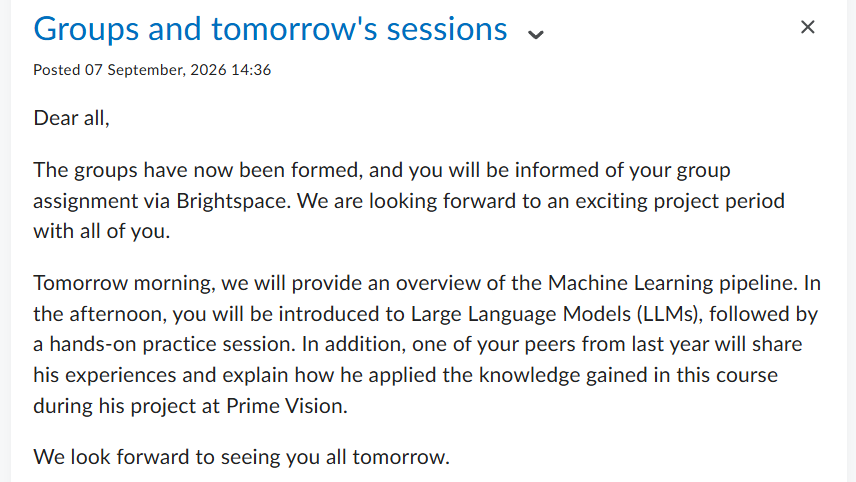
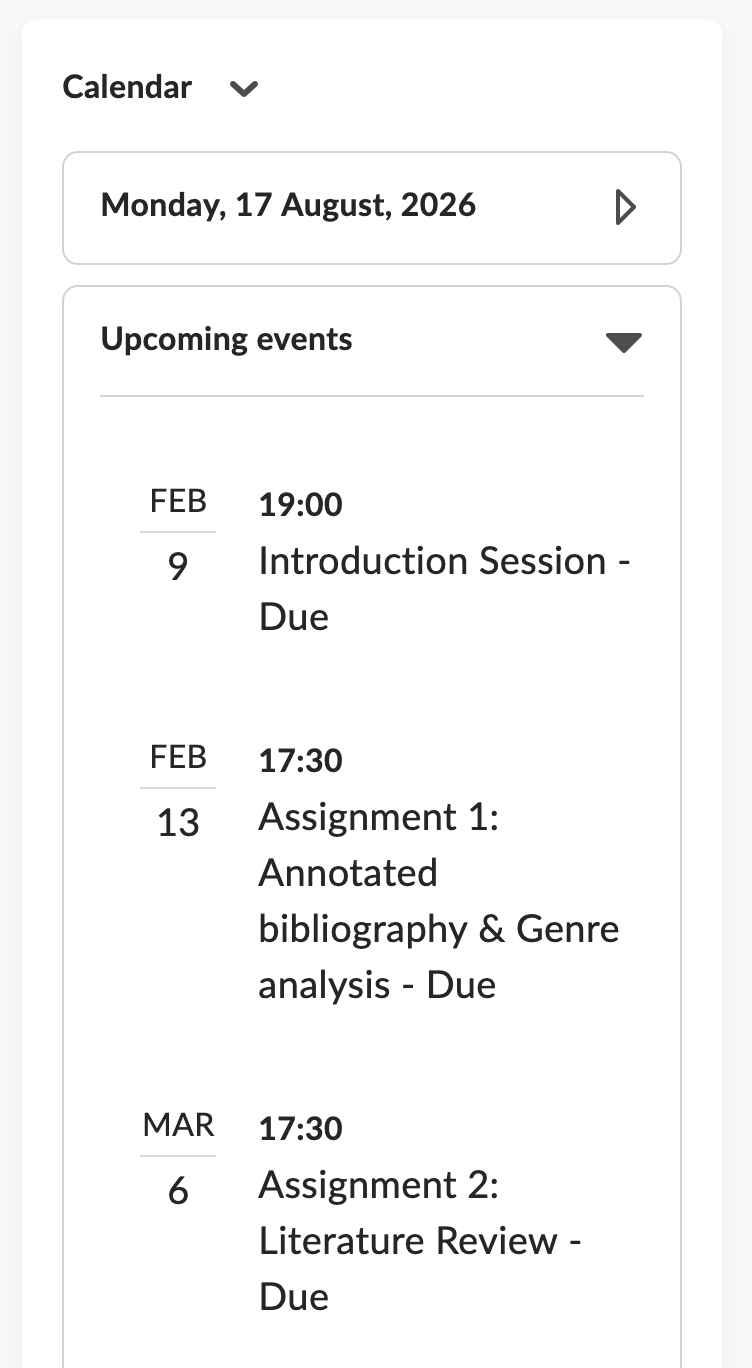
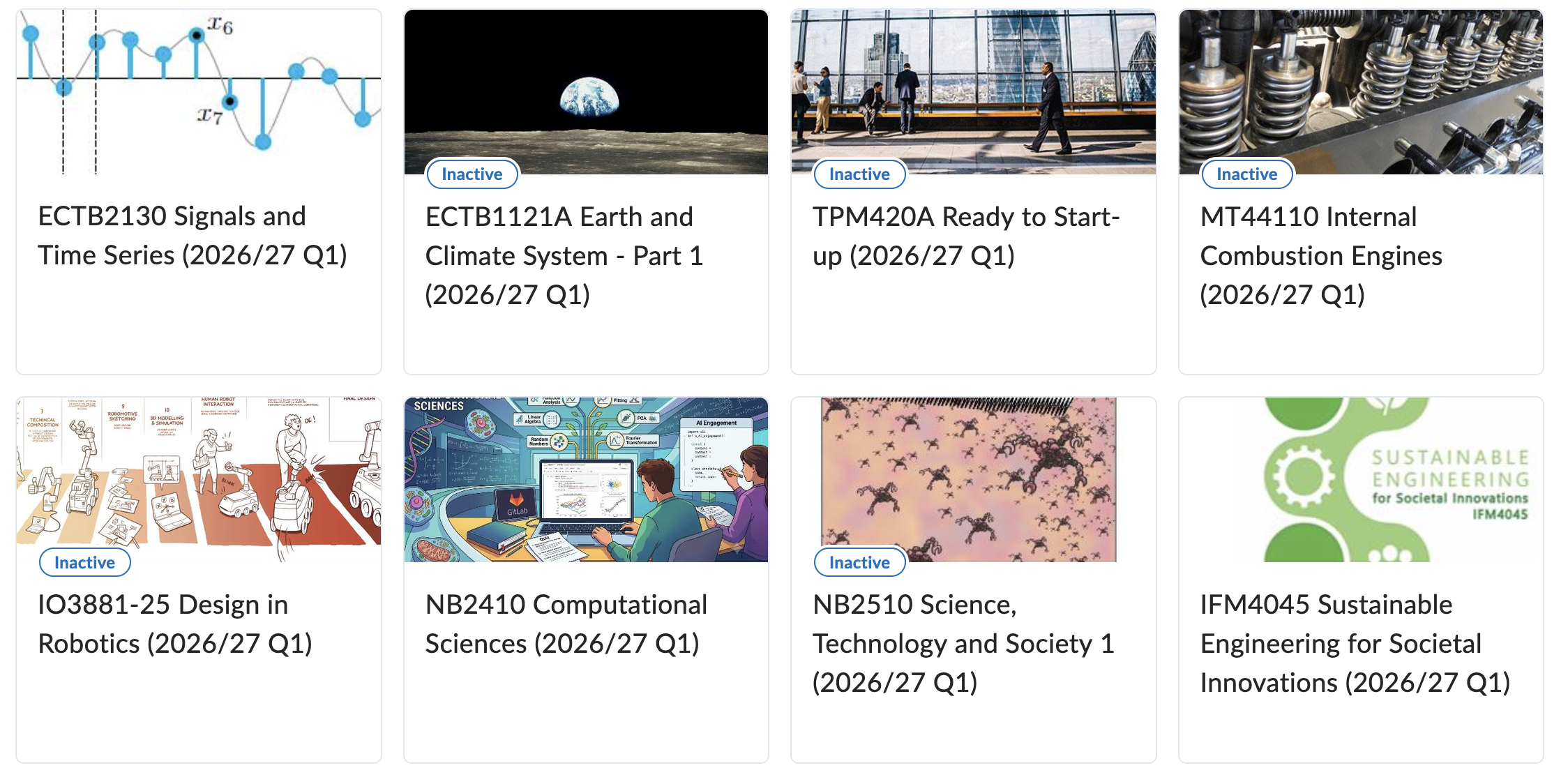
Course Home is the first page students see when they open your Brightspace course. It includes announcements, calendar, updates, and the course banner. For each element, click the 'Why?' link for an explanation about the impact on the quality of your Brightspace course.

In your Brightspace course, you can find the 'Course Information' under 'Content'.
Please note that the links to the support website are all identical on this page. For each element, click the 'Why?' link for an explanation about the impact on the quality of your Brightspace course.
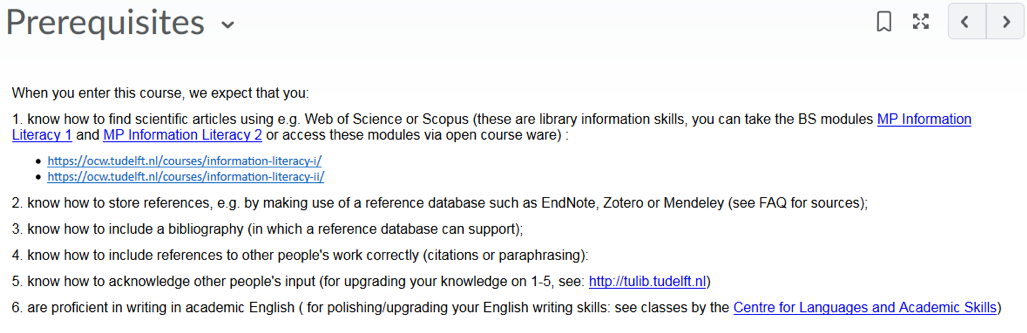
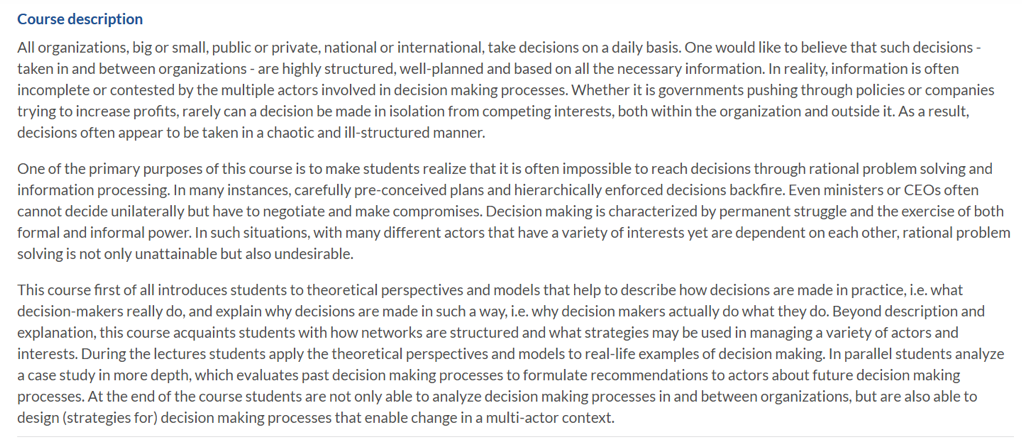

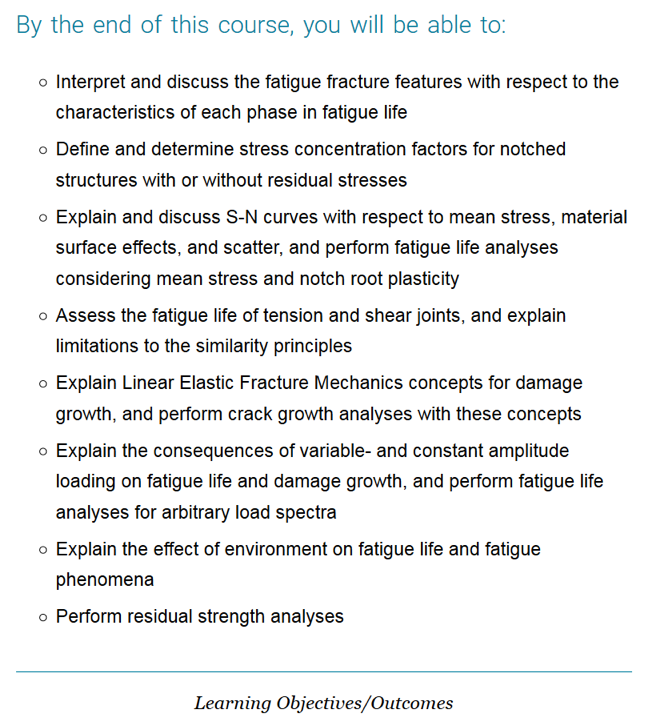
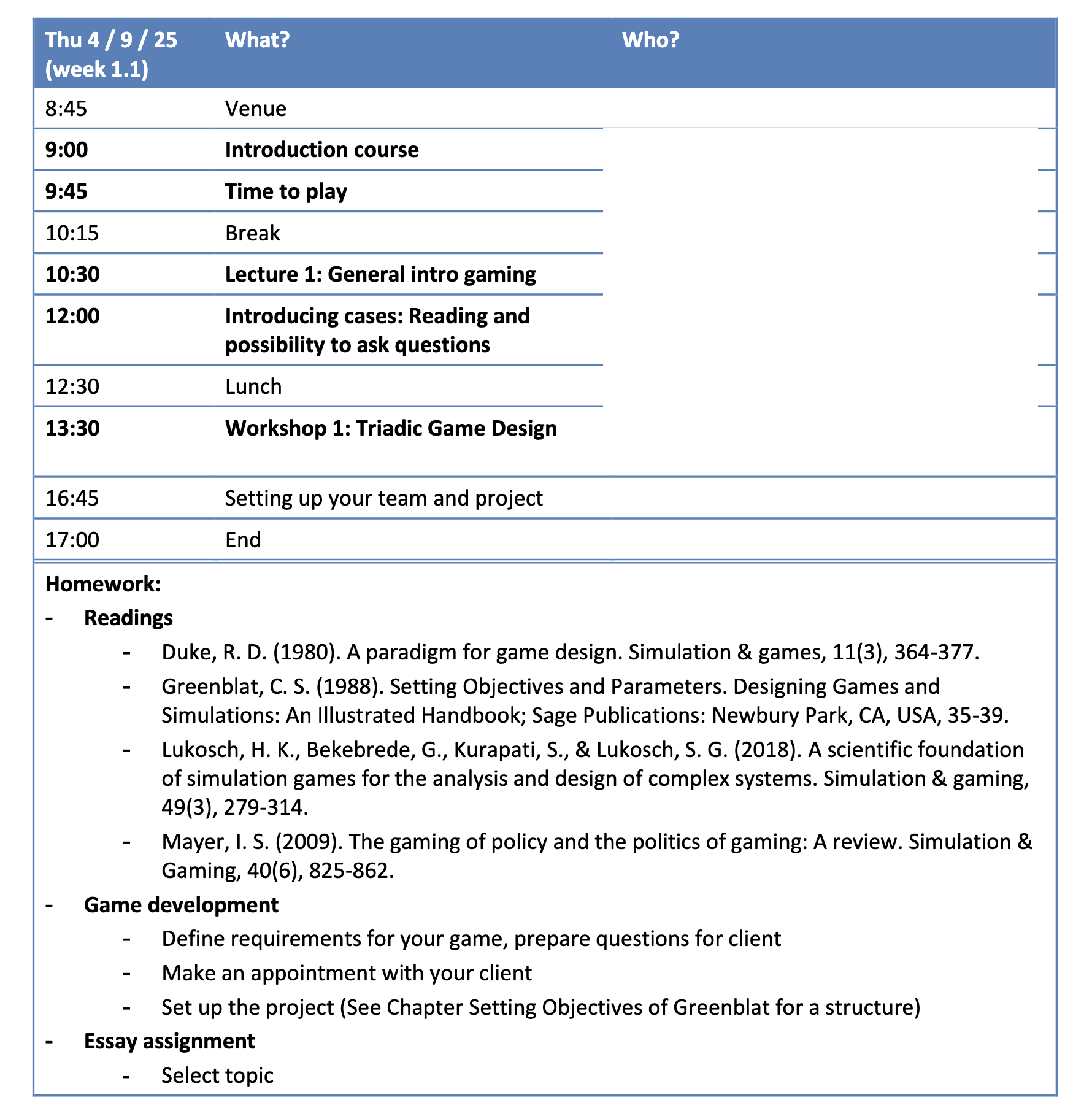
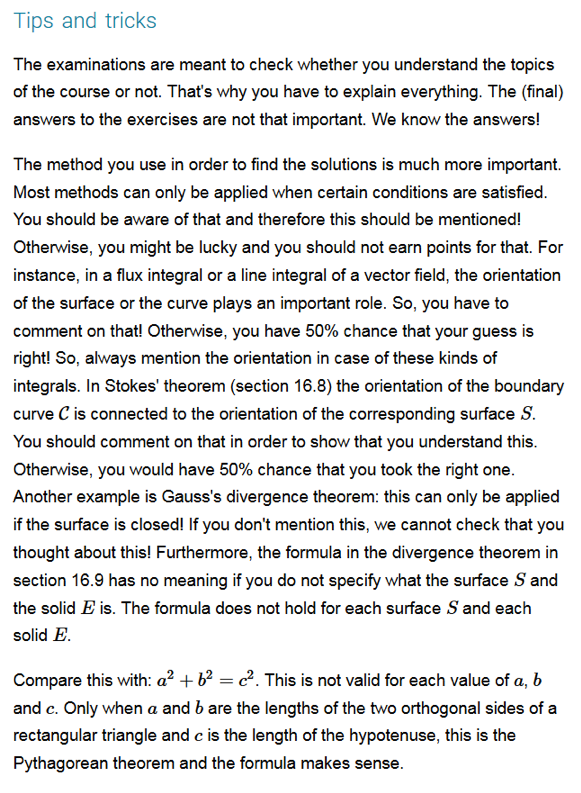
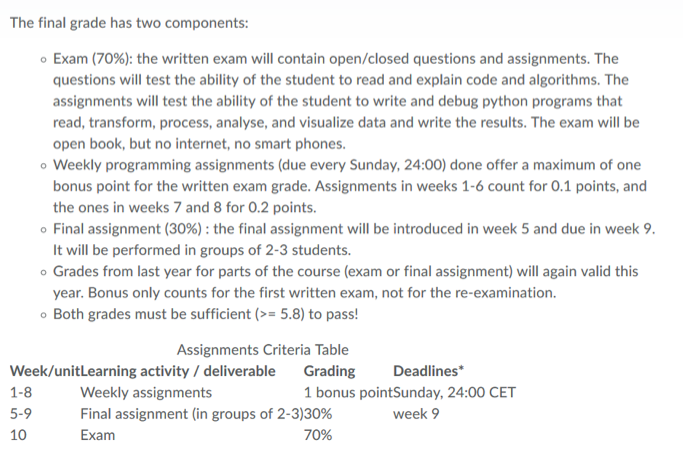
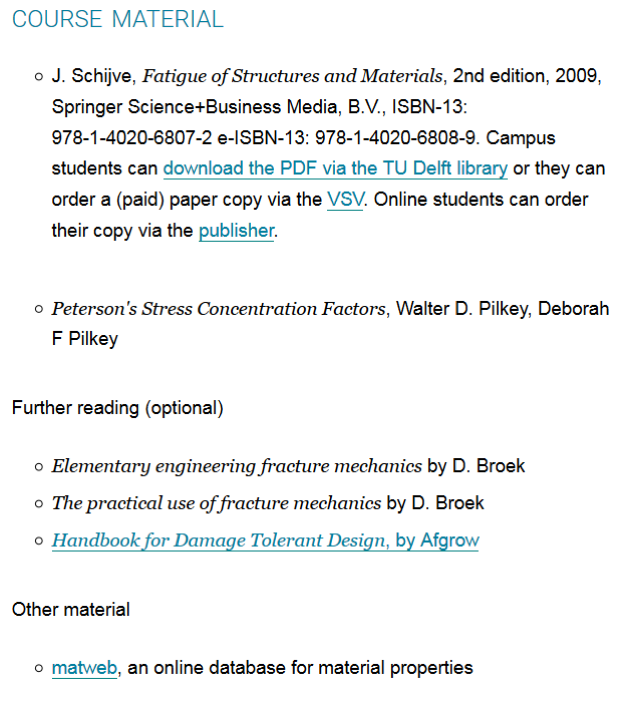
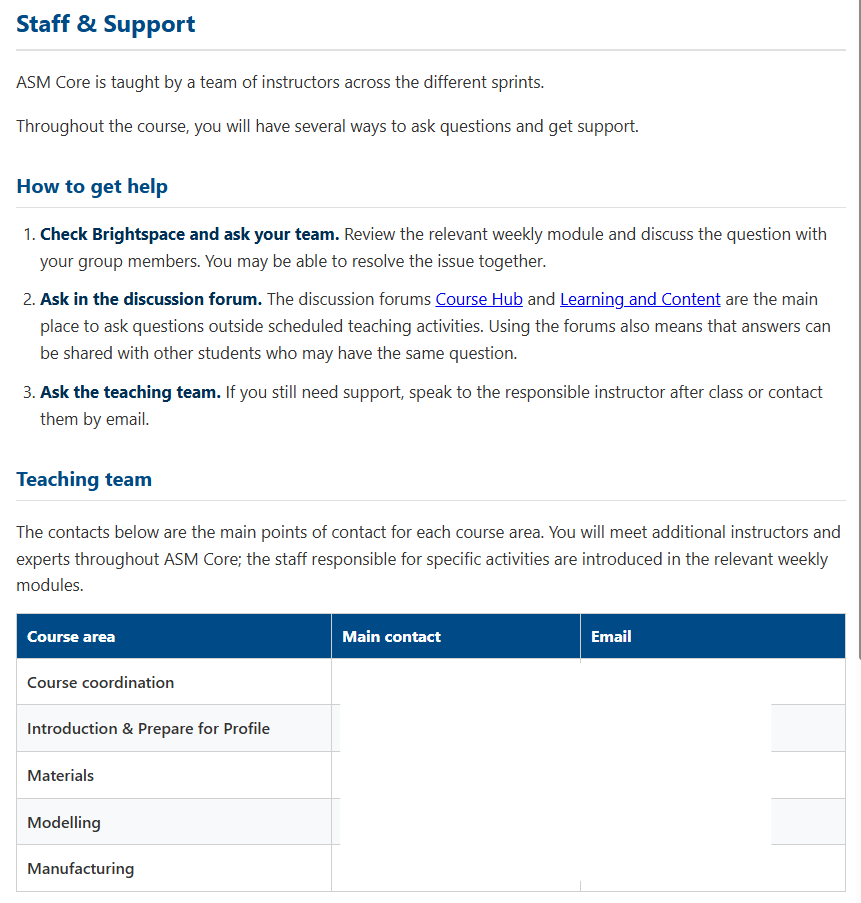
In the 'Content' section you define your Brightspace course structure. For each element, click the 'Why?' link for an explanation about the impact on the quality of your Brightspace course.
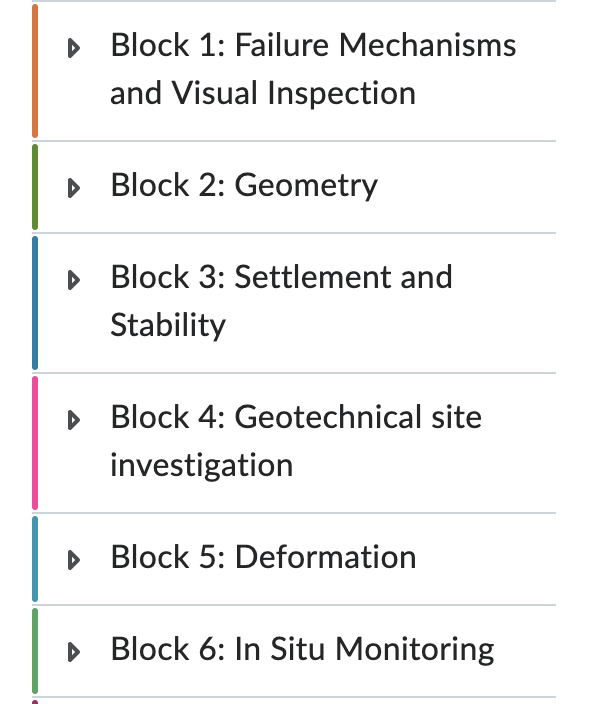
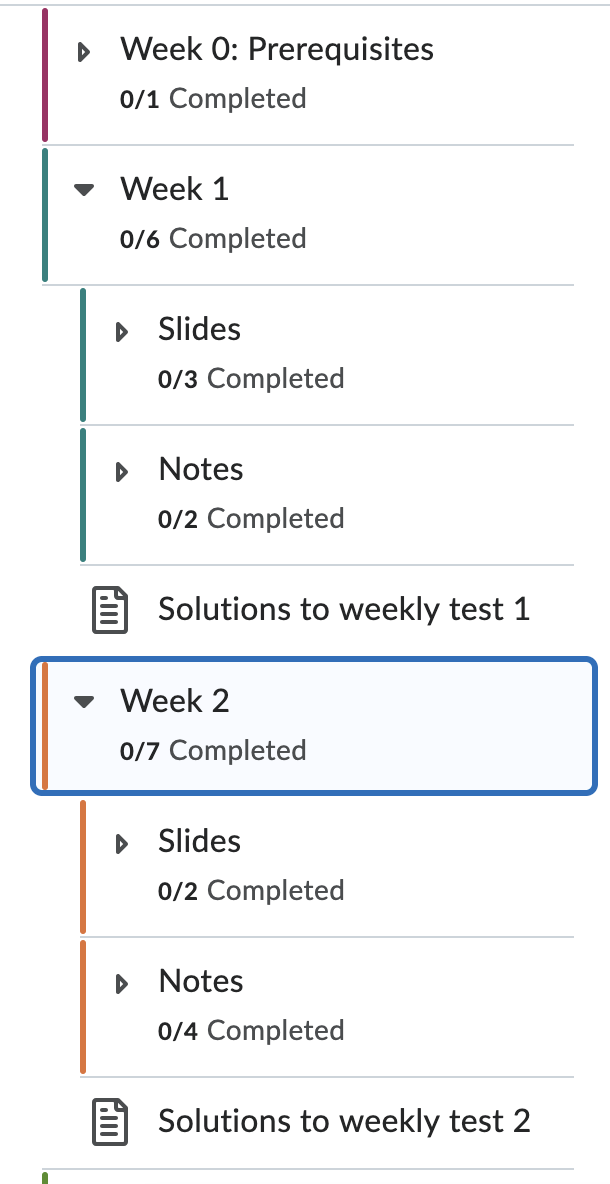
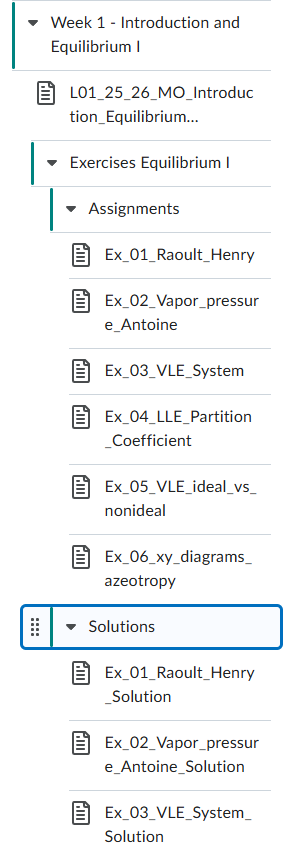
Elements found in this category can be found in various places in a Brightspace course. For each element, click the 'Why?' link for an explanation about the impact on the quality of your Brightspace course.
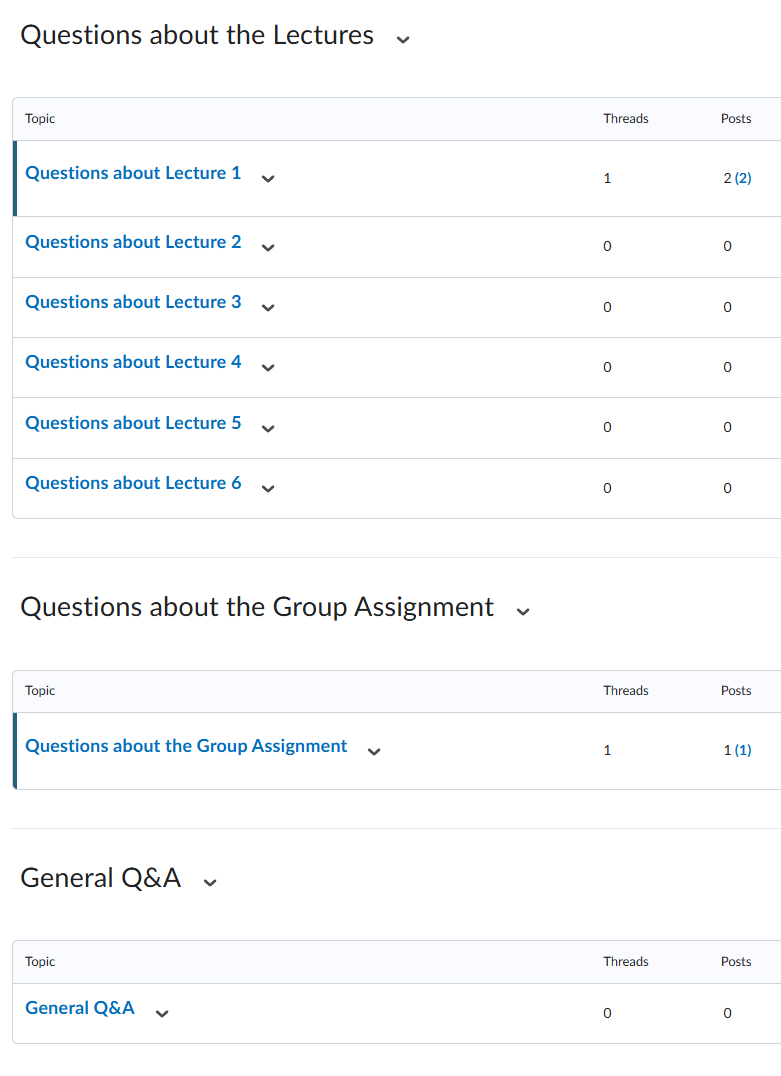
For an optimal learning experience for your students, please be aware of the elements below. For each element, click the 'Why?' link for an explanation about the impact on the quality of your Brightspace course.
 The content of the Brightspace Matrix is licensed under a Creative Commons Attribution-NonCommercial-ShareAlike 4.0 International License.